
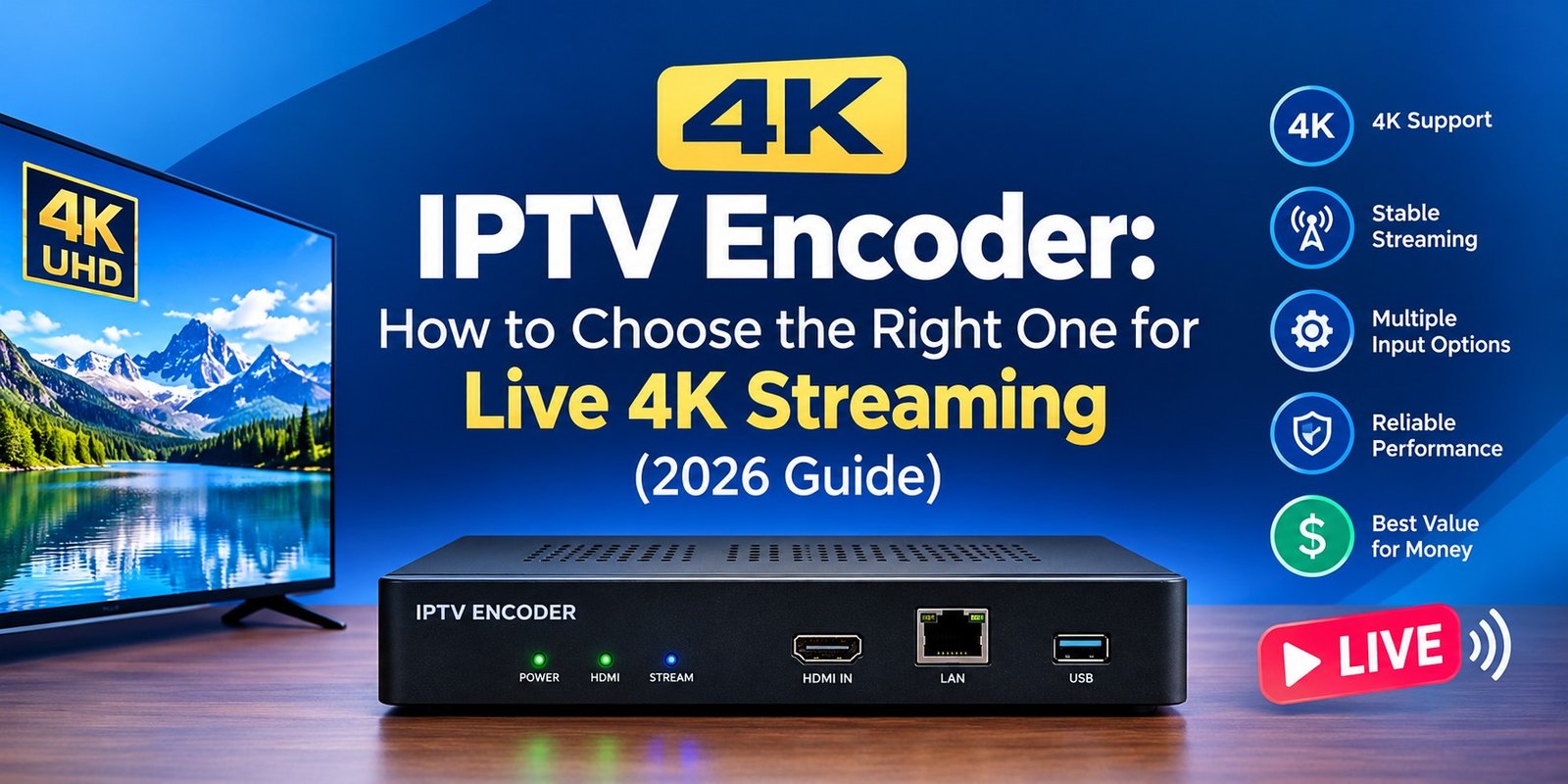
What Is a 4K IPTV Encoder?
A 4K IPTV encoder is a device or software application that captures a 4K (3840 x 2160) video source, compresses it with a codec such as H.265/HEVC, H.264/AVC or AV1, and packages it into a stream that can travel over an IP network. The source can be a satellite receiver, set-top box, camera, media player or broadcast feed. The output goes to IPTV middleware, a CDN, a hotel or campus headend, or digital signage screens.
Without an encoder, an uncompressed 4K60 signal would need roughly 12 Gbps, which no ordinary network can carry. A good encoder reduces that to about 15 to 40 Mbps while keeping the picture sharp.
This guide covers how 4K IPTV encoding works, which specs matter, how much bandwidth you need, and how to pick the right encoder for your setup.
How a 4K IPTV Encoder Works
The workflow has four steps:
- Capture: The encoder takes in video through HDMI 2.0, 12G-SDI, quad 3G-SDI, or an IP source such as NDI or SRT.
- Compression: A hardware chip or software codec compresses the video, usually with H.265/HEVC for 4K.
- Packaging: The stream is wrapped in a transport protocol such as MPEG-TS over UDP/RTP (common for multicast IPTV), HLS, SRT, RTMP or RTSP.
- Delivery: The stream is sent to an IPTV middleware platform, streaming server, CDN or directly to set-top boxes and smart TVs.
H.265 vs H.264 vs AV1 for 4K IPTV
Codec choice has the biggest effect on bandwidth and device compatibility.
| Codec | Typical 4K30 bitrate | Typical 4K60 bitrate | Best for |
|---|---|---|---|
| H.264 (AVC) | 25 to 35 Mbps | 40 to 60 Mbps | Older set-top boxes, maximum compatibility |
| H.265 (HEVC) | 12 to 20 Mbps | 20 to 35 Mbps | Most 4K IPTV deployments |
| AV1 | 8 to 15 Mbps | 15 to 25 Mbps | Newer devices, OTT and bandwidth savings |
These are typical ranges. Real bitrates depend on content type (fast sports needs more than talking heads), GOP settings and your quality target.
Our recommendation: Choose H.265 for most 4K IPTV work. It halves the bandwidth of H.264 at similar quality and is supported by nearly all modern smart TVs and set-top boxes. Pick H.264 only if your end devices cannot decode HEVC. Consider AV1 if your audience uses recent hardware and you want the lowest bitrates.
Key Features to Look For in a 4K IPTV Encoder
1. Input Type and Resolution Support
- HDMI 2.0 handles 4K60 and suits most consumer sources. Older HDMI 1.4 inputs top out at 4K30.
- 12G-SDI is the broadcast standard for single-cable 4K60 in professional environments.
- IP inputs (NDI, SRT) suit software-driven and remote workflows.
2. Output Protocols
Match the encoder to your delivery chain:
- UDP/RTP multicast (MPEG-TS): Standard for hotel, hospital and campus IPTV on managed networks.
- HLS: Best for adaptive streaming to browsers, apps and smart TVs.
- SRT: Reliable low-latency contribution over the public internet.
- RTMP and RTSP: Common for ingest into streaming platforms and IP cameras.
3. Latency
Hardware encoders often reach under 100 ms for contribution. HLS adds several seconds by design. For live sports and event venues, look for low-latency modes and SRT support.
4. Hardware vs Software Encoding
| Hardware encoder | Software encoder | |
|---|---|---|
| Reliability | Very high, dedicated and stable | Depends on the host PC or server |
| Cost | Higher upfront | Lower upfront, scales with servers |
| Flexibility | Fixed features | Easy to update and script |
| 4K performance | Consistent | Needs a strong CPU or GPU |
For 24/7 headend operation, hardware is usually the safer choice. For flexible or cloud-based workflows, software encoding on a GPU server works well.
5. Audio, Multi-Bitrate and Redundancy
Check for embedded audio (AAC, AC-3), multi-bitrate ABR output, dual power supplies, and failover or backup streaming. These matter most in commercial deployments.
6. Management and Monitoring
Web UI, REST API, SNMP and remote monitoring save time when you manage many channels.
HDCP Note
Most encoders cannot capture HDCP-protected sources, such as commercial set-top box outputs, over HDMI. HDCP exists to protect copyrighted content, and bypassing it may violate the law. Use sources you are licensed to distribute, such as your own productions, licensed channel feeds or authorized IPTV headend equipment.
Common Use Cases
- Hotels and hospitality: Distribute licensed 4K channels to in-room TVs.
- Sports bars and venues: Send live 4K feeds to multiple screens.
- Hospitals and universities: Run internal IPTV and campus channels.
- Houses of worship and event venues: Stream live services and events in 4K.
- Digital signage and corporate comms: Deliver 4K video walls and town halls.
- Broadcasters and OTT operators: Contribute 4K feeds to streaming platforms.
How Much Bandwidth Do You Need?
Use this simple formula:
Required bandwidth = (bitrate per stream x number of streams) x 1.25 to 1.5 for overhead and headroom
Example: 10 channels of 4K60 HEVC at 25 Mbps each is 250 Mbps. Add 30% headroom and you need about 325 Mbps of stable, managed capacity. For multicast on a LAN, remember that the encoder sends one stream no matter how many viewers watch, so IGMP snooping and a properly configured switch are essential. For unicast delivery to many viewers, bandwidth scales with the audience and a CDN becomes necessary.
Popular 4K Encoder Options to Evaluate
Always confirm current specs and pricing on the manufacturer’s site before buying:
- Magewell Pro Convert (4K HDMI models): Compact HDMI-to-IP encoders with NDI, SRT and RTMP.
- Haivision Makito X4: Broadcast-grade 4K HEVC encoder with HDMI and SDI inputs and SRT.
- Epiphan Pearl-2: Flexible 4K recording and streaming for live production.
- Software options (OBS Studio, vMix, FFmpeg with NVENC): Good value if you have a capable GPU and can manage the host machine.
How to Set Up a 4K IPTV Encoder (Quick Walkthrough)
- Connect your 4K source to the encoder with a certified HDMI 2.0 or 12G-SDI cable.
- Connect the encoder to a gigabit (or 10 GbE for many streams) managed network.
- Open the web interface and set the resolution to 3840 x 2160 and the frame rate to match your source.
- Select H.265, then set the bitrate (start at 20 Mbps for 4K30 or 30 Mbps for 4K60) and a keyframe interval of 1 to 2 seconds.
- Choose the output protocol (UDP multicast, HLS, SRT) and enter the destination.
- Test on a real end device and watch for dropped frames, buffering and audio sync.
Troubleshooting Common 4K Encoding Problems
- Blocky or pixelated picture: Increase the bitrate or reduce the frame rate.
- Stuttering or dropped frames: Check cable quality, switch capacity and encoder CPU load.
- No video from the source: Confirm HDMI 2.0 support on both ends and check for HDCP.
- Audio out of sync: Match audio sample rates and check the delay settings.
- Multicast not reaching clients: Verify IGMP snooping and querier settings on your switches.
Also Read: IPTV Encoders: The Complete 2026 Buyer’s Guide (Types, Specs & Setup)
Conclusion
The right 4K IPTV encoder comes down to four choices: the codec (H.265 for most), the inputs your sources use, the output protocol your network or platform expects, and whether you need the reliability of dedicated hardware. Size your bandwidth with headroom, test on real devices, and always use content you are licensed to distribute.
FAQs
What is the best codec for a 4K IPTV encoder?
H.265/HEVC is the best balance of quality, bandwidth and device support for most 4K IPTV deployments.
How much bandwidth does a 4K IPTV stream need?
Plan on roughly 12 to 20 Mbps for 4K30 and 20 to 35 Mbps for 4K60 with HEVC, plus headroom.
Can I encode 4K with a regular PC?
Yes. A modern GPU with hardware HEVC encoding (such as NVIDIA NVENC) can handle 4K, though a dedicated hardware encoder is more reliable for 24/7 use.
What is the difference between an IPTV encoder and a transcoder?
An encoder converts a raw source into a compressed IP stream. A transcoder converts an already compressed stream to a different codec, resolution or bitrate.
Do I need a special network for 4K IPTV?
For multicast, you need managed switches with IGMP snooping and enough throughput. Gigabit is fine for a handful of channels; use 10 GbE for larger headends.
Is HDMI or SDI better for 4K encoding?
HDMI 2.0 is cost-effective for short runs. 12G-SDI is better for long cable runs and professional environments.

One Response
[…] Also Read: 4K IPTV Encoder: How to Choose the Right One for Live 4K Streaming (2026 Guide) […]